

Watch: ActiveComply Pre-Review, now inside Canva Enterprise
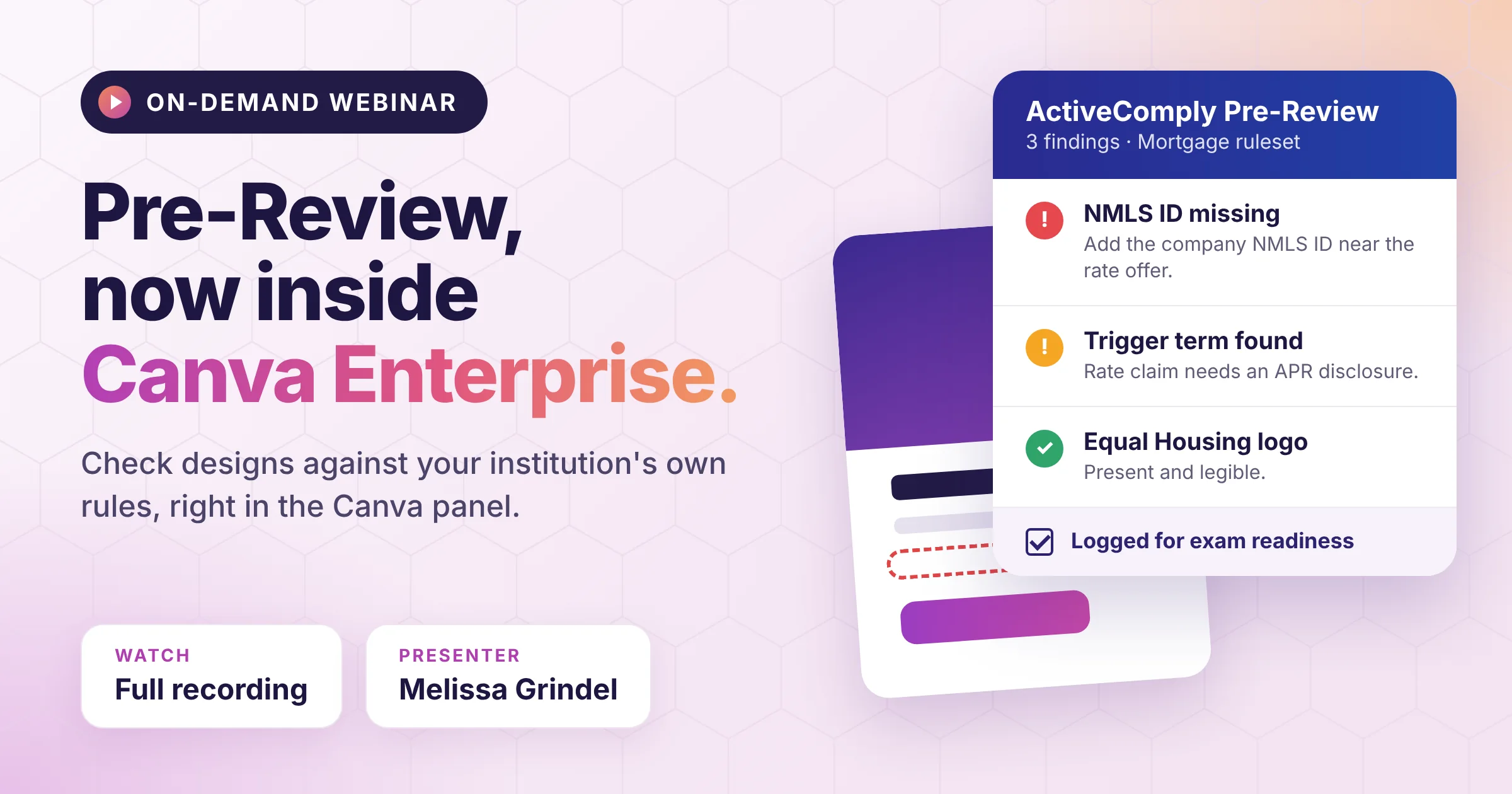
Most marketing compliance delays don’t come from the review itself. They come from the loop around it: a flyer gets designed, downloaded, emailed to compliance, sent back with edits, and redesigned, sometimes days later. Sometimes it never gets submitted at all.
In our November 17 webinar, Melissa Grindel, Head of Compliance and Industry Strategy at ActiveComply, walked through a way to close that loop: ActiveComply® Pre-Review, now running inside Canva Enterprise. The session included a live demo and an early look at video review.
What we covered
Pre-Review where content gets made
The Compliance Review app, available in the Canva Apps Marketplace, opens as a panel next to the design. Loan officers and marketers click Scan Design, and Pre-Review checks the piece against your institution’s own rules engine, not a generic keyword list. Findings come back in plain language, ranked by severity, typically in under 90 seconds.
In the demo, a deliberately noncompliant flyer returned 21 findings, from missing company and Equal Housing information to missing pricing disclaimers and state-specific disclosures. Because Pre-Review draws on NMLS Consumer Access data, it knows where each loan officer is licensed and which disclosures apply.
People still own the decisions
Creators can fix and rescan until a design is approved, or escalate it to your compliance team for manual review. Compliance writes the rules in natural language, decides which products or content types always need human approval, and can add or remove findings, request changes, or approve pieces directly from the admin portal.
An exam-ready record for every submission
Every scan is logged automatically and can be filtered by loan officer name or NMLS ID, licensed state, products mentioned, submitter, file type, date, source (portal or Canva), and approver. Pulling the last 24 months of content for a single state exam becomes a filter, not a project.
Results from a design partner
Atlantic Bay Mortgage, one of the first lenders to test the tool, shared these results in their case study:
- 30 to 90 seconds average review time per piece
- 3 to 5 manual review steps eliminated
- 100% of exam marketing samples validated during testing
- More than 4 hours saved per marketing request
Melissa noted that reaching those results took deliberate rules configuration during onboarding, and that the process also surfaced gaps between written policy and day-to-day review.
Sneak peek: video review
Pre-Review is adding support for MP4 and MOV files. Attendees saw a loan officer video scanned for both spoken words and on-screen text, with each finding time-stamped so reviewers can jump straight to the moment it happened. Video review is in testing now.
See Pre-Review with your own content
Canva Enterprise is required for the Canva app, but you don’t have to wait for a design rollout. Many teams start with Pre-Review on its own and add Canva when they’re ready. Book a demo and we’ll show you how it fits your review workflow.